 Suppose you have a function downloading a large dataset, and it’s taking a really long time doing so. How do you tell if the script is running or crashed? You add a waiting animation. But Python does not usually support multiple functions beeing run at the same time, so you have to use the built-in module multiprocessing. Here is my implementation.
First, we import the following modules. The system module sys handles updating the printed waiting animation
from multiprocessing import Pool
import sys
import time
Then we add our test function and our waiting animation. The test function simply waits for five seconds, but imagine it downloading a 100MB large dataset.
def f(x):
    time.sleep(5)
    return x
The waiting animation is simply three dots appearing and vanishing over and over again. In order to overwrite the already written, we need to add empty space where there are no dots. There must be a better implementation of this (not keeping a teller around) but it works for now.
def waitingAnimation(n):
    n = n%3+1
    dots = n*'.'+(3-n)*' '
    sys.stdout.write('\r Waiting '+ dots)
    sys.stdout.flush()
    time.sleep(0.5)
    return n
Finally, this is how you implement it all. How to work with the Pool class was especially difficult for me and the main reason why I posted this.
if __name__ == '__main__':
    print('\n Starting function')
    with Pool(processes=1) as pool:
        res = pool.apply_async(f, (1,))
        waiting, n = True, 0
        while waiting:
            try:
                waiting = not res.successful()
                data = res.get()
            except AssertionError:
                n = waitingAnimation(n)
        sys.stdout.write('\r Function complete\n')
The part of pool.apply_async(f, (1,)) takes the f function and give it 1 as an argument. You can modify it to do whatever. The res.successful() test the function res. If it is done and successful it returns True, if it’s done and failed it returns False, and it’s not done it returns the AssertionError. The res.get() returns the computed value of our function. Or the long-awaited dataset.
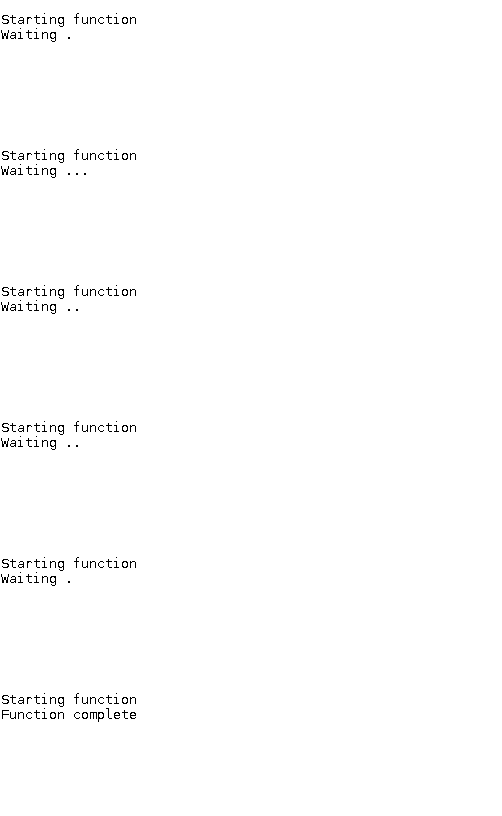
This is the result:
Here is a slightly different animation
def waitingAnimation(n):
    n, dots = n%4+1, list(' ...')
    dots[n-1]=' '
    sys.stdout.write('\r Waiting'+ ''.join(dots))
    sys.stdout.flush()
    time.sleep(0.5)
    return n
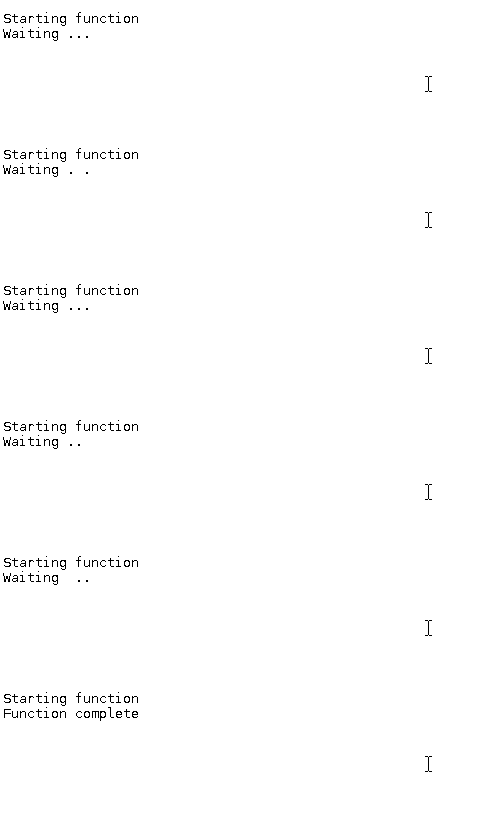
with this slightly different result
 Theizo
this is exactly what i was looking for ! thank you!!!!